
Course: Mobile Robots for critical missions 2022/2023
Lecturers:
- Vento Mario mvento@unisa.it
- Saggese Alessia asaggese@unisa.it
Group:
- Mandragora Geraldino 0622701875 g.mandragora@studenti.unisa.it
- Sullutrone Giovanni 0622701751 g.sullutrone2@studenti.unisa.it
- Tirino Francesca 0622701745 f.tirino@studenti.unisa.it
- Farina Luigi 0622701754 l.farina16@studenti.unisa.it
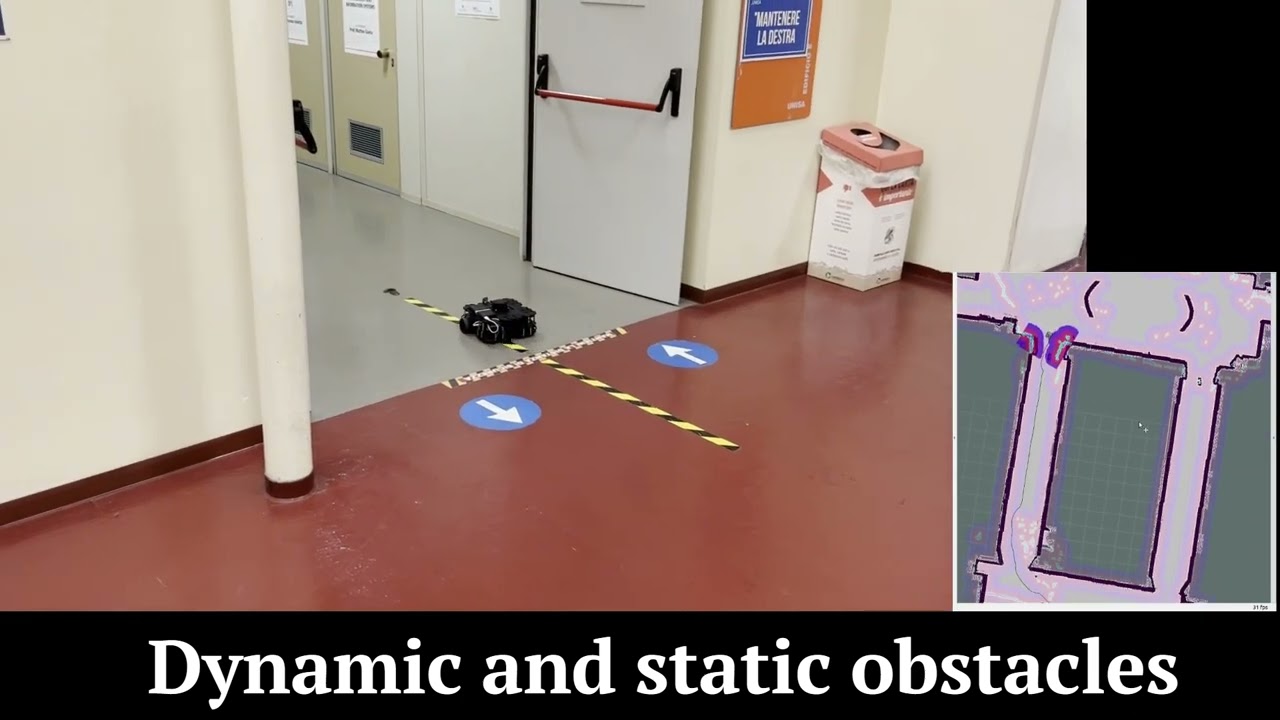
- Waypoint to reach:

- Used map

- Simulation

Install ROS as done during the lectures
In case of errors with cameras:
- Install DroidCam following the official installation at this link
- If you do not want to use DroidCam, you can use the standard
v4l2loopbackmodule
Follow these steps:
-
cd into the folder MobileRobots_Project/bot
-
chmod u+x src/navigation/src/* -
catkin build -
Simulation:
- if you do not want to use the cameras:
sh complete_sim_test.sh - if you want to use cameras:
sh complete_simulation.sh
- if you do not want to use the cameras:
-
Reality:
sh complete_reality.sh
-
The "sh complete_sim_test.sh" command will start the simulation. There is a terminal where you can write the command to simulate cameras. There is a terminal where you can simulate the kidnapped robot.
-
The "sh complete_simulation.sh" command will start the simulation. There is a terminal where you can simulate the kidnapped robot.
to run
sh complete_simulation.sh or others mentioned before, you'll need to install gnome-terminal.
on Ubuntu gnome terminal is installed by default, otherwise you'll need to install it with the following command:
sudo apt-get install gnome-terminal